
QR: ScanStash
Safe scanner & link cards
An iPhone app that scans QR codes with the camera or from a photo, shows you the address before anything opens and warns you about risky links. Keep the links you want as visual cards, make your own QR codes and show them full screen. No account, everything stays on the device.
- Solo project
- 15 languages
- No account · on-device
Built with
- Flutter / Dart
- Swift
- WidgetKit
- WebKit
- StoreKit 2
- Apple Foundation Models (on-device)
Timeline
- Sep 2026 Started: a visual library for QR links
- Oct 2026 Widget and share extension in Swift, 15 languages
- 6 Nov 2026 Live on the App Store
- Nov 2026 1.1: new design, light & dark, QR codes, link safety warnings, Pro yearly or lifetime

Screenshots
What it does
- 01
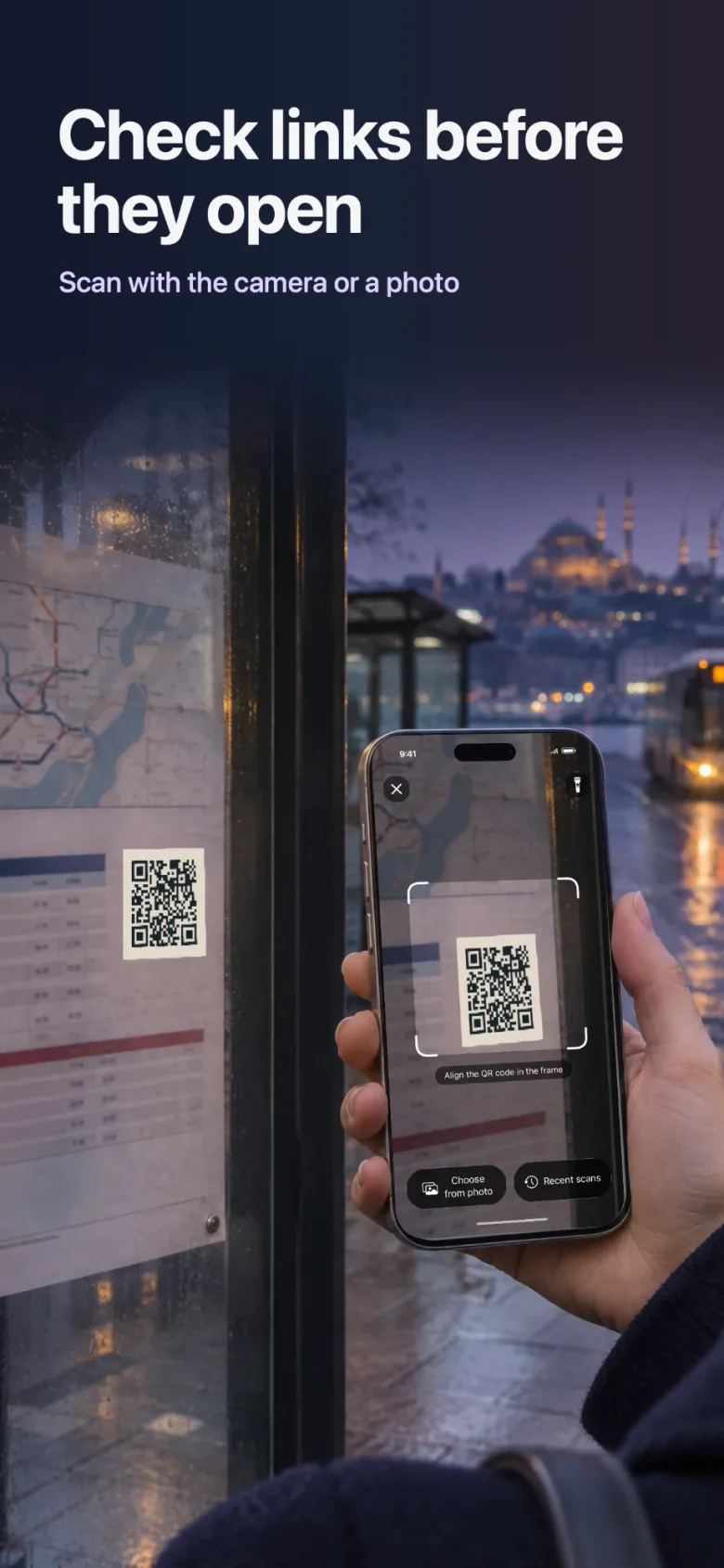
Check links before they open
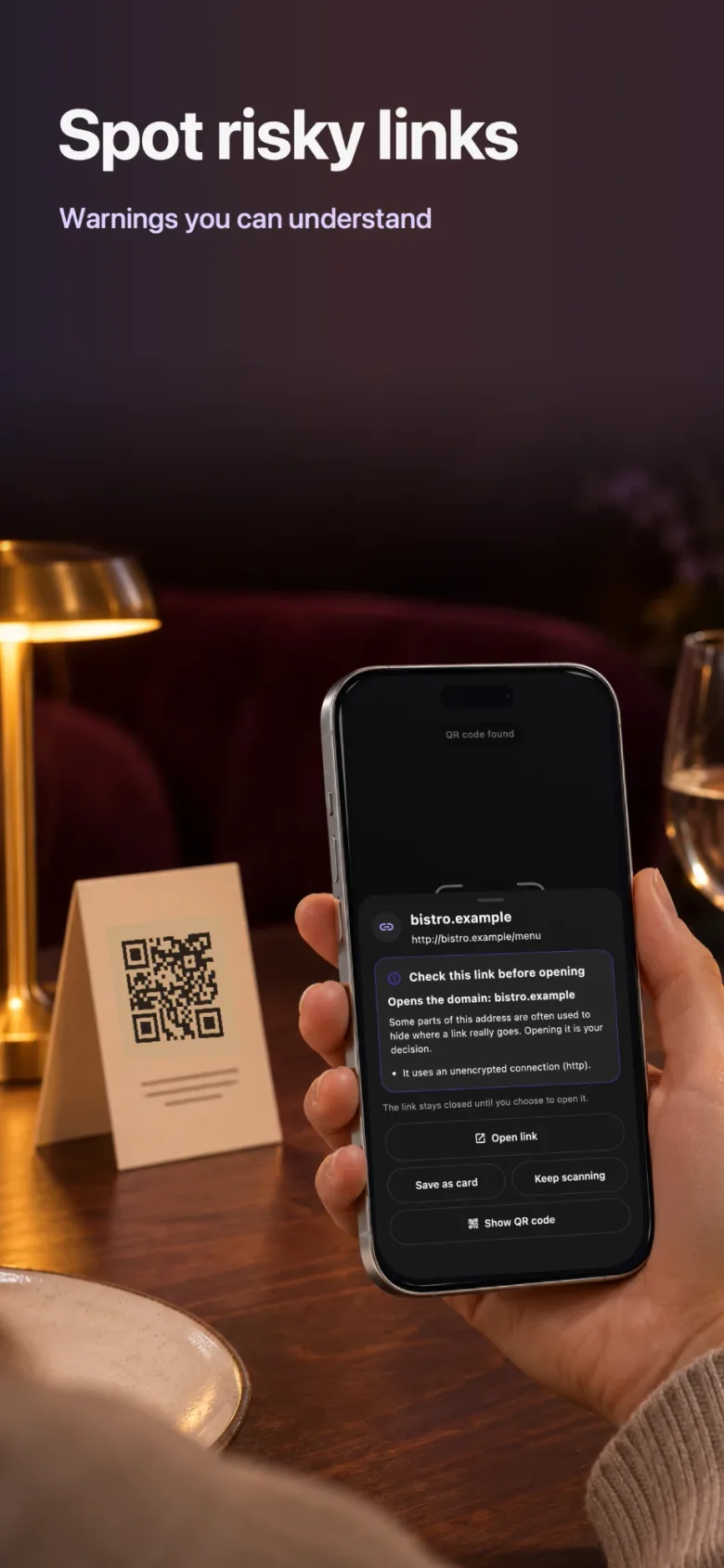
See the address before a QR code opens anything. Link shorteners and unencrypted (http) links get a safety warning, and nothing opens until you choose to open it.
- 02
Links as visual cards
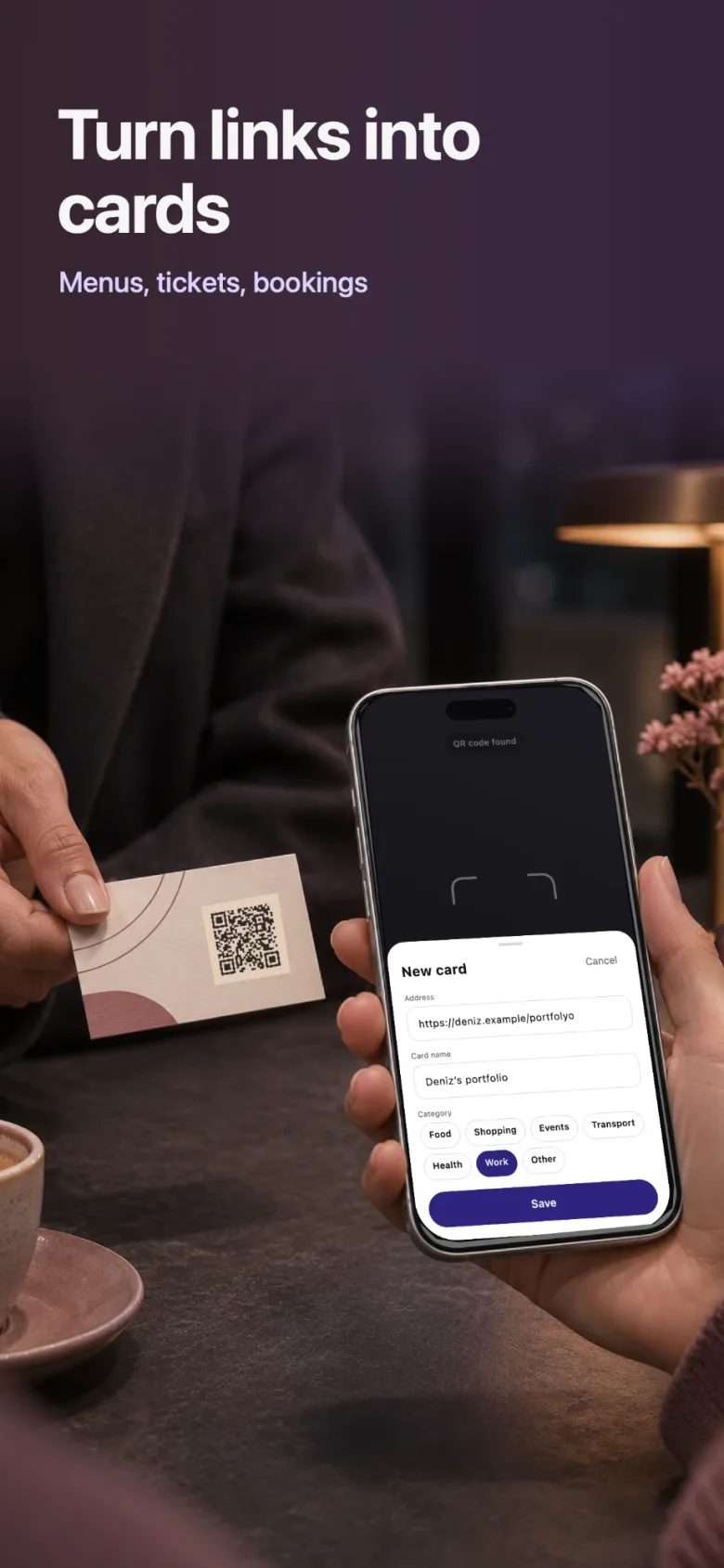
Turn the links you want to keep into cards, with categories, your own categories, favorites and search.
- 03
Save in one tap
A link on the clipboard becomes a card in one tap, and you can save straight from the Share menu in Safari.
- 04
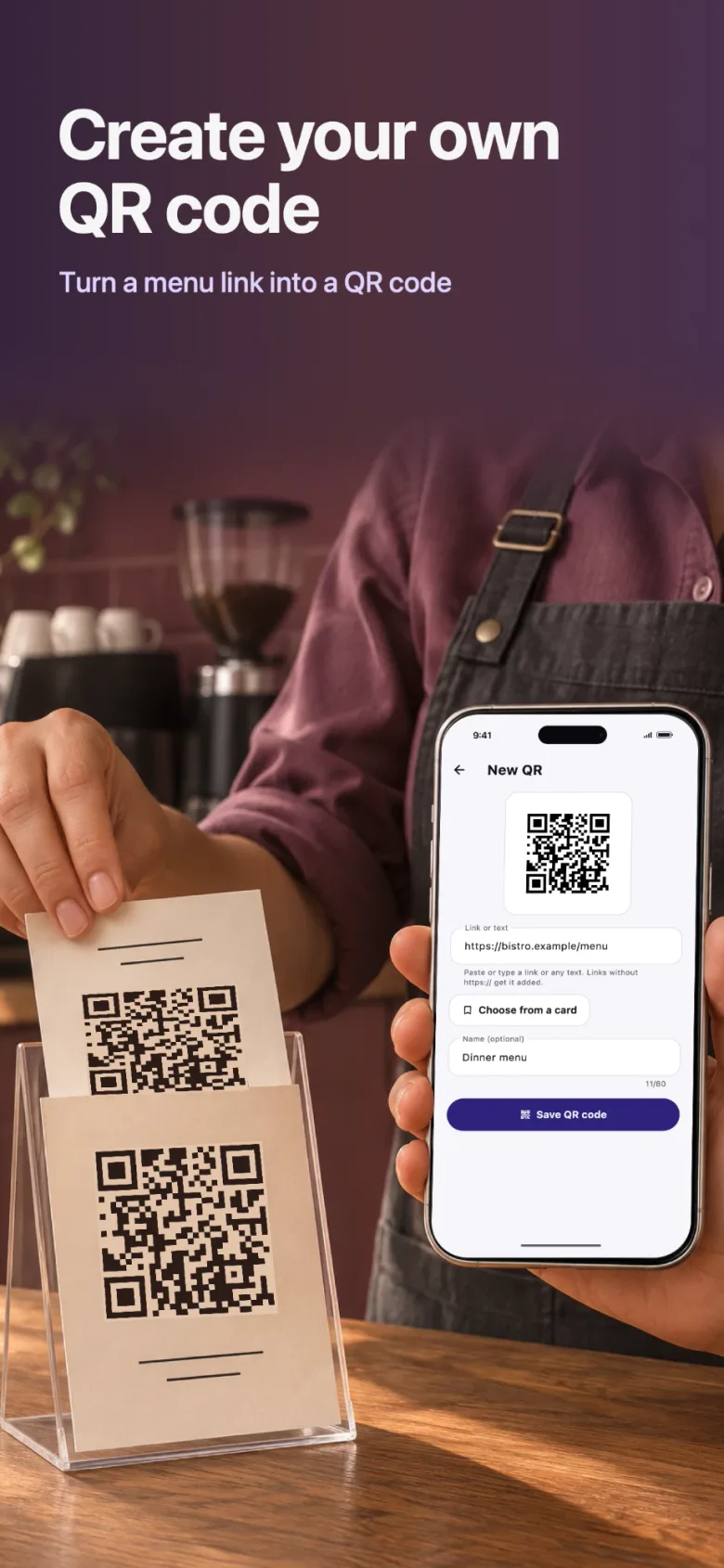
Your own QR codes
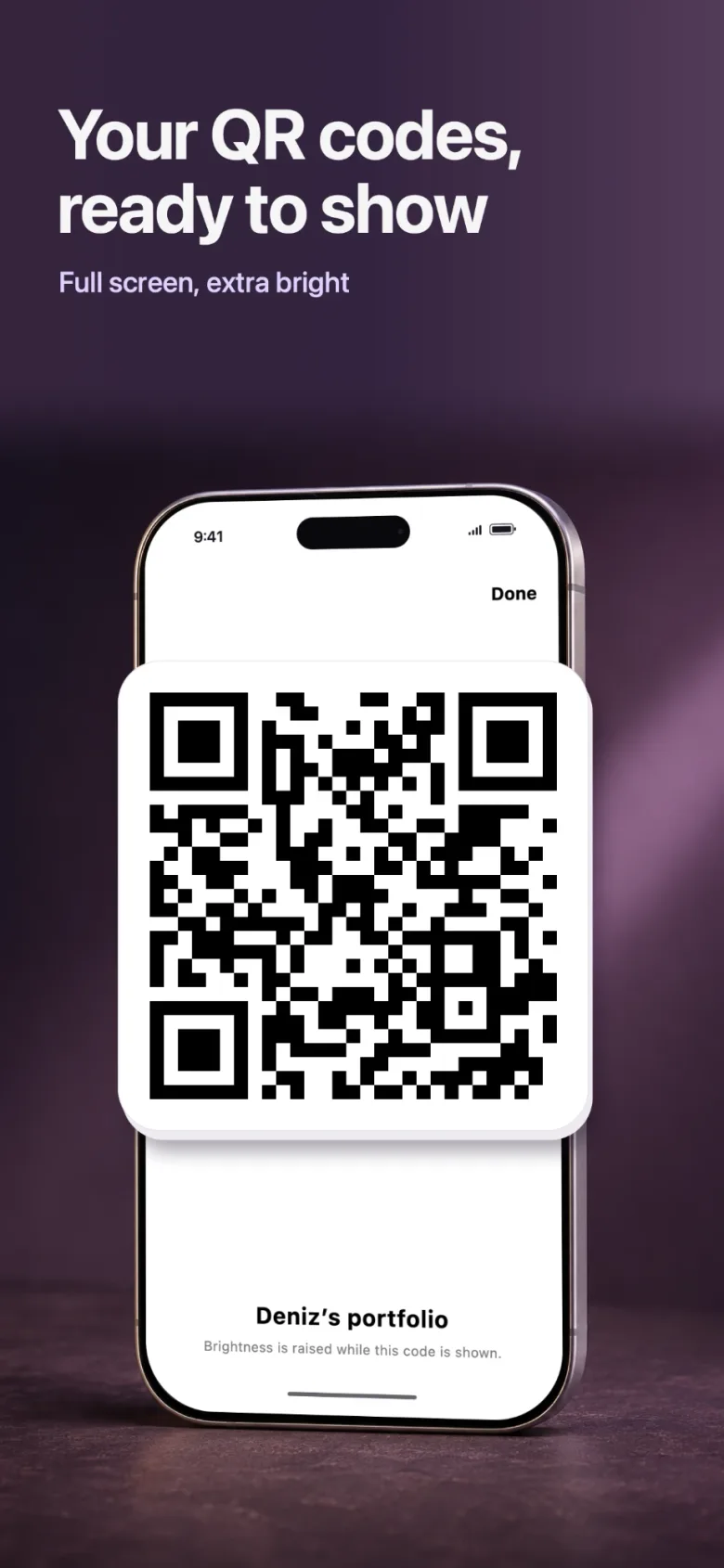
Create a QR code from a link or any text, then show it full screen with the brightness raised.
- 05
Home Screen widget
Reopen your saved links with one tap from a widget on the Home Screen.
- 06
Light and dark
The whole app comes in a light and a dark theme.
- 07
Apple Intelligence suggestions
On supported iPhones, Apple Intelligence suggests a title and a category, on the device.
- 08
No account, no analytics
There is no account, your data stays on the device and there are no analytics. In 15 languages, for iPhone.
- 09
Free, or Pro
Scanning with the camera and from photos, and the link safety warnings, are always free. The free version also keeps 2 cards, 2 QR codes, 2 favorites and your last 2 scans. Pro removes every limit: Pro Yearly, with a 3-day free trial for eligible new subscribers, or Pro Lifetime, a one-time purchase.